







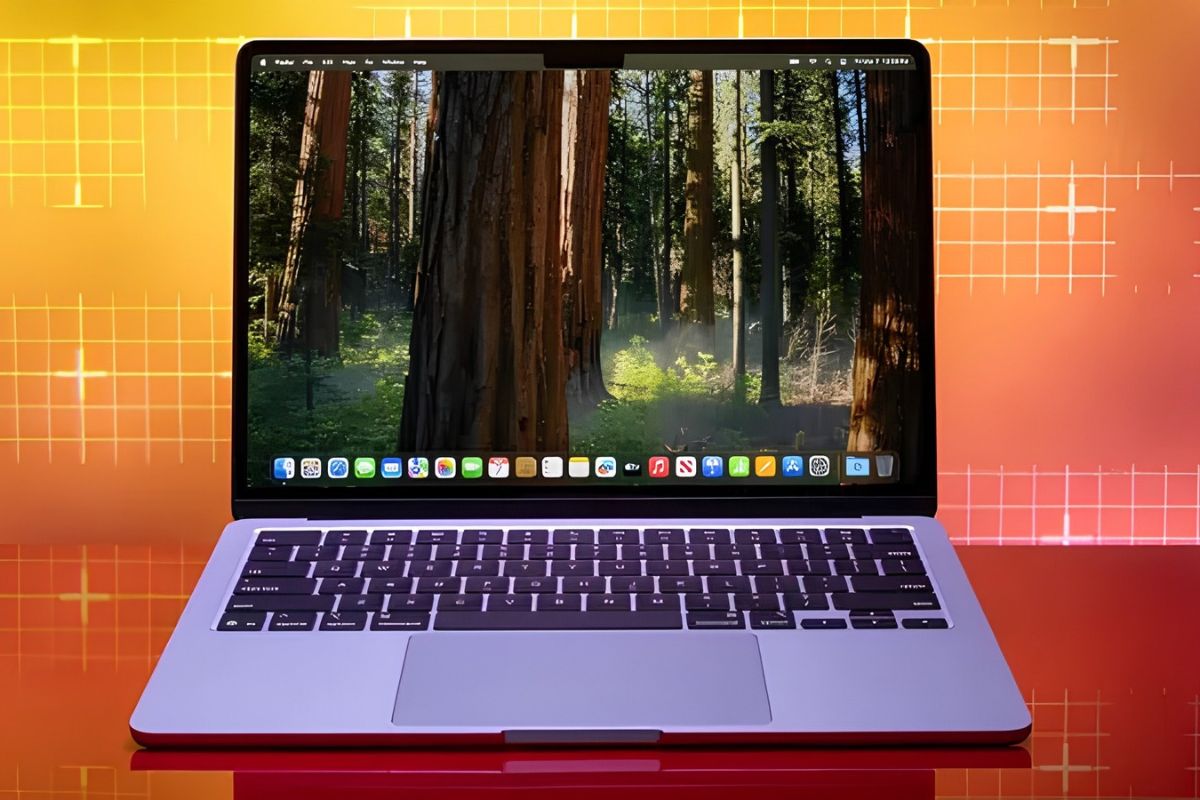
Apple Intelligence Mac local storage allocations exist to avoid the financial expense of cloud inference. While on-device processing protects user privacy, moving routine generative tasks to customer hardware saves the company an estimated $1.2 billion to $2.8 billion annually in server hardware, electricity, and data center cooling.
How much cloud compute cost does Apple avoid?
By processing daily generative tasks locally, Apple avoids an estimated $0.80 to $2.30 per active Mac user each month in cloud compute costs.
Running generative models on remote servers incurs an immediate, metered charge for every processed word, or token, generated by the system. A token is a basic unit of text that AI models process to understand language. By requiring macOS to process text requests on internal components, Apple bypasses that ongoing commercial cost.
Commercial cloud rates on platforms like Amazon Web Services (AWS) Bedrock and Microsoft Azure charge between $0.20 and $0.50 per million input tokens, according to the Maxim AI pricing tracker, to run lightweight models comparable to Apple’s three-billion-parameter foundation software. For a typical user, small daily tasks like proofreading text, prioritizing notifications, and summarizing messages consume several thousand tokens.
Based on standard commercial API rates, processing those daily interactions locally shields Apple from an estimated $0.80 to $2.30 per active Mac user each month. Over a full year, that works out to between $9.60 and $27.60 in avoided processing expenses for a single active machine.
How much does Apple save on servers annually?
Apple saves between $1.2 billion and $2.8 billion annually by offloading routine Apple Intelligence processing onto the roughly 100 million active Apple Silicon Macs.
Scaled across the Apple ecosystem, small unit savings insulate the company from massive operational expenses. Industry estimates from research firms Canalys and International Data Corporation (IDC), alongside Apple’s own historical disclosures, place the active installed base of Apple Silicon Macs capable of running system intelligence features at roughly 100 million active machines.
Applying the baseline monthly calculation across that hardware fleet yields aggregate annual cost avoidance between $1.2 billion and $2.8 billion. Unlike competitors that absorb server depreciation to provide cloud-based assistants, Apple relies on user hardware to handle computational execution.
The customer supplies the physical device and pays the electric bill. Apple protects its operating margins.
Why doesn’t Apple use Private Cloud Compute for everything?
Apple reserves its Private Cloud Compute servers strictly for complex overflow tasks because handling the daily background volume of 100 million Macs would require hundreds of billions of dollars in new data centers.
Apple’s Machine Learning Research and Platform Security whitepapers point to user privacy as the core reason for local model execution. Running models directly on the M-series chip ensures user text never leaves the machine, eliminating data leakage risks and network lag.
For requests that exceed local capabilities, macOS routes queries to Apple Private Cloud Compute. Private Cloud Compute is Apple’s custom-built network of remote servers designed entirely with Apple Silicon to process complex AI requests securely. Technical disclosures in Apple’s architectural documentation show those server clusters are built strictly for overflow.
Enterprise systems engineers indicate that handling the routine background volume of millions of Macs on remote clusters would require hundreds of billions in data center capital expenditures, according to J.P. Morgan research on AI infrastructure financing. Local deployment is the operational constraint that prevents Private Cloud Compute servers from throttling during peak usage.
How does this impact your Mac storage upgrade cost?
To maintain its local-first architecture, Apple forces a 12GB AI footprint onto Mac drives, essentially pushing buyers of 256GB machines toward a $200 Mac storage upgrade cost.
To maintain that server architecture, macOS allocates roughly 12GB of solid-state storage to foundation model weights and operational cache files. In macOS 27, Apple removed the central toggle that allowed owners to disable the model downloads entirely.
This removal led to community workarounds like the RemoveMacAI script, which attempts to reclaim the lost capacity. On an entry-level 256GB drive, which yields roughly 238GB of formatted capacity, 12GB consumes roughly 5 percent of total user space.
For buyers on base-tier machines, corporate infrastructure savings directly compete with local user files.
Has the tech industry offloaded operating costs before?
Shifting central corporate operating costs onto client machines has clear precedent, seen in early peer-to-peer applications and Microsoft’s Windows Update Delivery Optimization.
Early streaming services routinely relied on client upload bandwidth to reduce central distribution costs. Microsoft used a similar mechanism with Windows Update Delivery Optimization, turning consumer PCs into local update hubs to cut corporate bandwidth bills.
Apple has extended that principle to generative models. By relying on consumer storage and unified memory as distributed nodes, the company preserves server capacity and sidesteps the infrastructure costs currently eroding margins across enterprise software.
Frequently Asked Questions
Does Apple Intelligence run entirely on my Mac? Most routine Apple Intelligence tasks, like proofreading and summarizing notifications, run entirely on your Mac’s local storage to save Apple server costs and protect user privacy. Complex tasks are routed to Apple’s Private Cloud Compute servers.
How much storage does Apple Intelligence take up? Apple Intelligence reserves roughly 12GB of local Mac storage for its foundation models and operational caches. This consumes about 5 percent of the usable capacity on an entry-level 256GB Mac drive.
Why did Apple remove the switch to disable Apple Intelligence models? Apple removed the central toggle in macOS 27 that allowed users to delete the models, ensuring the operating system has permanent local access to the AI tools without relying on cloud servers.