







Artificial intelligence doesn’t require an enterprise budget. Startups, freelancers, and small businesses can access a robust ecosystem of free AI tools that rival expensive proprietary software. From drafting marketing copy to analyzing data and streamlining project management, zero-cost solutions can reshape daily operations.
This guide bypasses the hype to examine the most effective free AI tools available today. We evaluate core functionalities, practical applications, and limitations so you can identify the platforms that deliver measurable efficiency gains.
Top Free AI Tools for Business Efficiency
1. ChatGPT
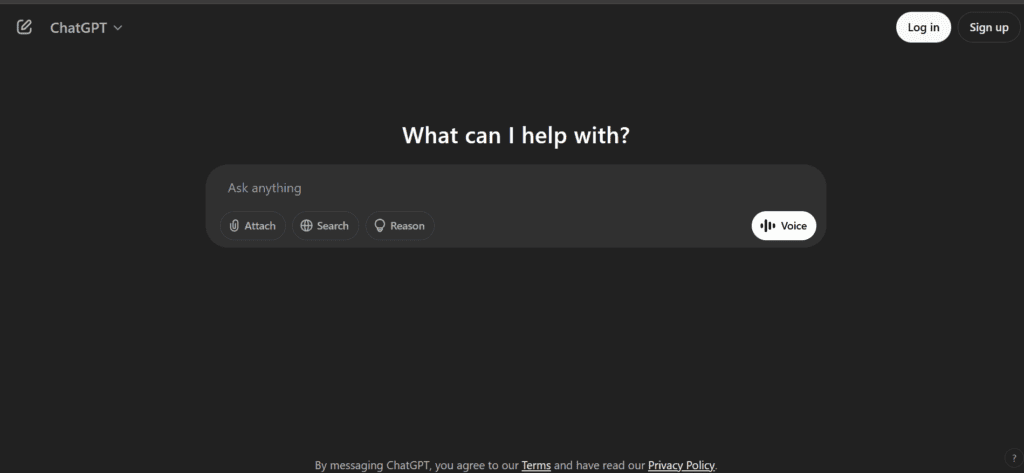
ChatGPT remains the industry benchmark for general-purpose AI assistance. Its free tier grants access to sophisticated language models that generate text, analyze structured data, and write basic code.
- Core Strengths: Natural language generation, persistent conversational context, and rapid ideation.
- Practical Application: Small business owners can deploy ChatGPT to draft newsletters, structure customer service templates, or outline strategic planning documents. This ensures consistent messaging while recovering hours of manual writing.
- The Catch: The free tier occasionally faces rate limits during peak traffic and lacks the advanced data analysis features found in premium models.
2. Notion AI
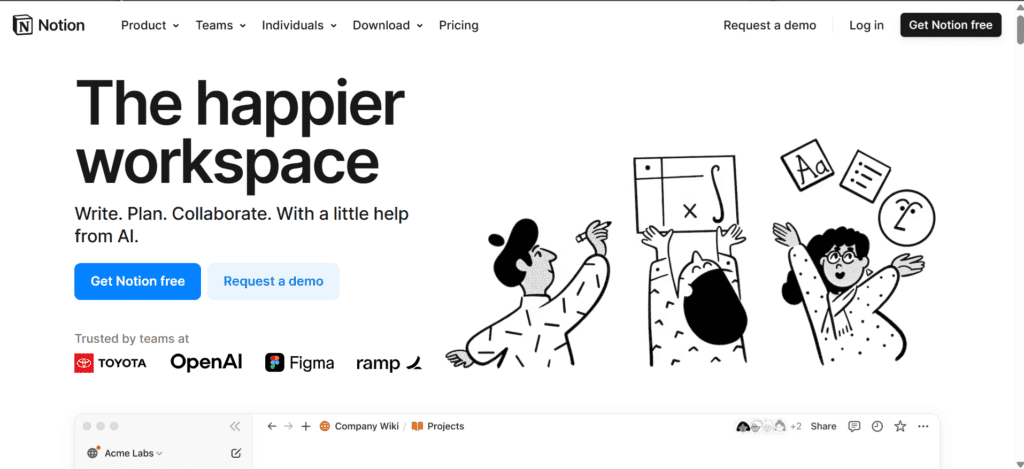
Notion integrates AI directly into its versatile workspace, transforming standard document management into an intelligent knowledge base.
- Core Strengths: Document summarization, in-platform workflow automation, and sophisticated search queries.
- Practical Application: Marketing teams can use Notion AI to synthesize campaign research, auto-generate meeting summaries from raw notes, and maintain a highly organized, searchable repository of brand guidelines.
- The Catch: Notion’s free AI features operate on a strict credit system. Heavy usage requires a paid upgrade.
3. Trello (AI Automation Features)
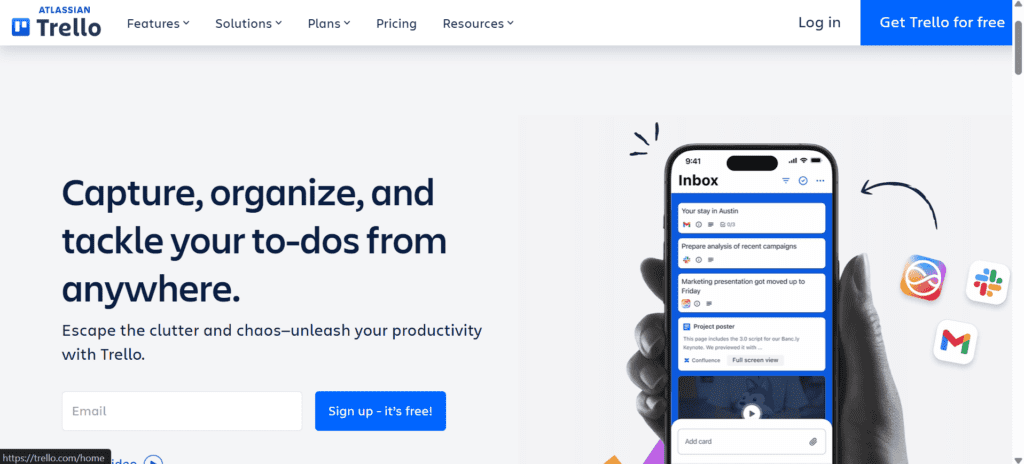
Trello’s automation engine, Butler, relies on intelligent rule-based automation rather than generative AI to mimic AI-driven task management.
- Core Strengths: Automated task prioritization, dynamic workflow templates, and seamless third-party calendar integrations.
- Practical Application: Digital agencies rely on Trello’s automation to surface impending deadlines, auto-assign tasks as project phases shift, and prevent critical deliverables from falling through the cracks.
Top Free AI Tools for Marketing
1. Canva Magic Studio
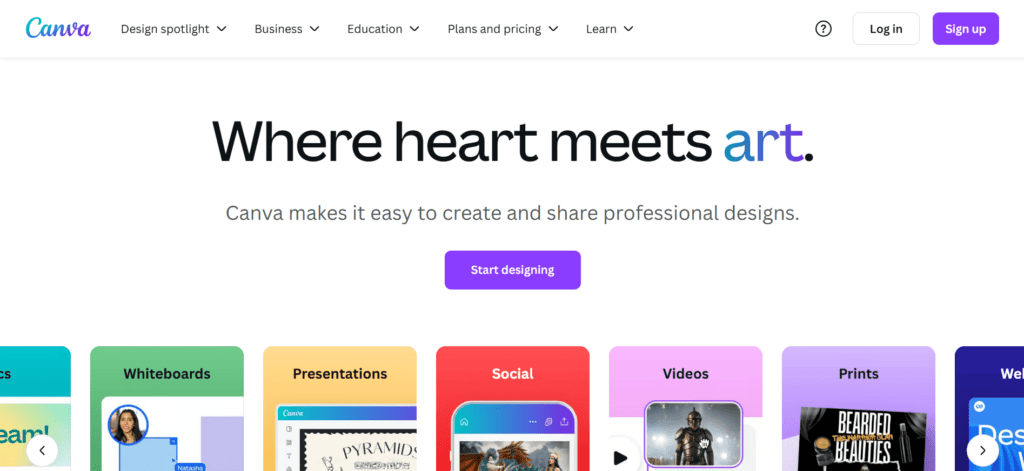
Canva continues to expand its AI capabilities, embedding generative design features that allow non-designers to produce professional-grade visuals.
- Core Strengths: Text-to-image generation, automated template resizing, and AI-assisted copywriting for social media posts.
- Practical Application: Early-stage startups use Canva to execute cohesive social media campaigns, rapidly iterating visual concepts without paying for specialized design software or personnel.
2. HubSpot Free AI Content Assistant
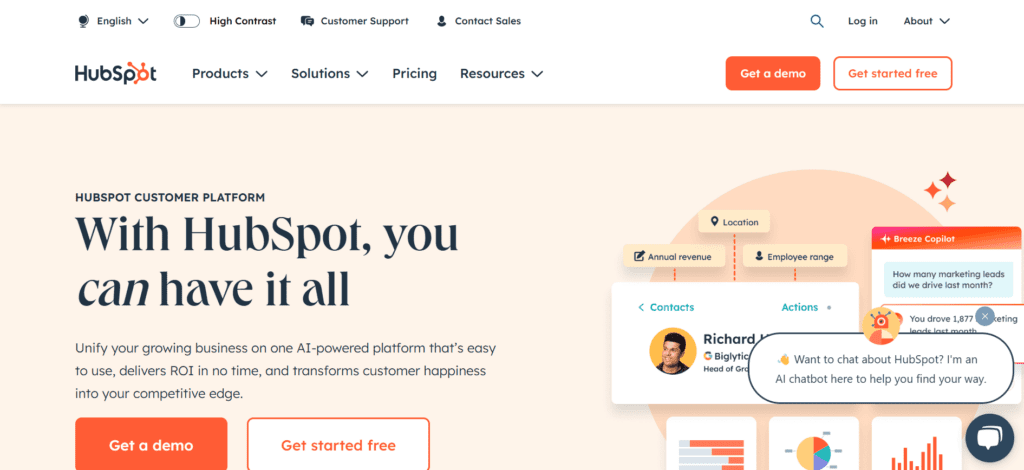
HubSpot embeds AI directly into its free CRM and marketing suite, targeting lead generation and content optimization.
- Core Strengths: AI-powered generation for blog posts, landing pages, and email sequences, backed by SEO recommendations.
- Practical Application: Freelance marketers leverage HubSpot to generate initial content drafts, manually refining them for SEO performance and readability to accelerate the content pipeline.
3. Buffer AI Assistant
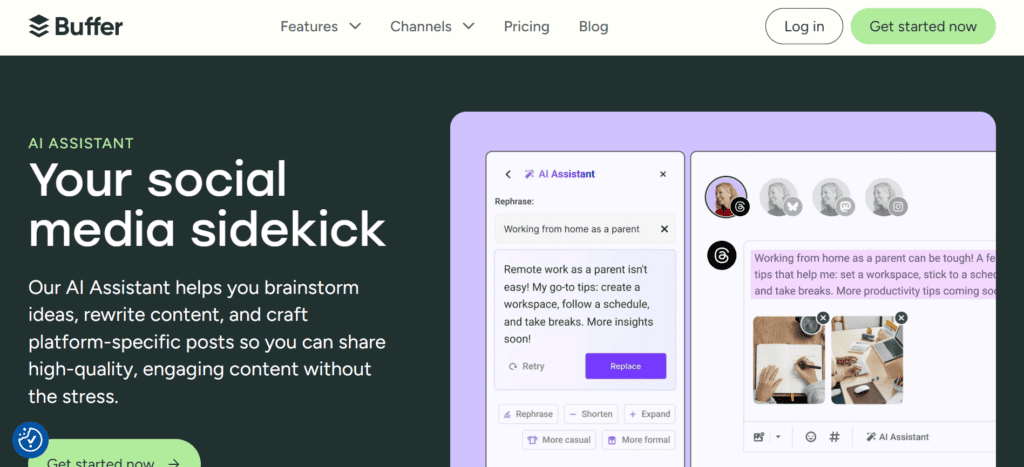
Buffer integrates AI to solve the persistent challenge of social media content cadence and platform-specific formatting.
- Core Strengths: Automated post ideation, content customization for specific network constraints, and intelligent scheduling.
- Practical Application: Social media managers use Buffer to repurpose successful blog content into customized Twitter threads and LinkedIn posts, optimizing delivery times based on historical engagement data.
Top Free AI Tools for Productivity
1. Otter.ai
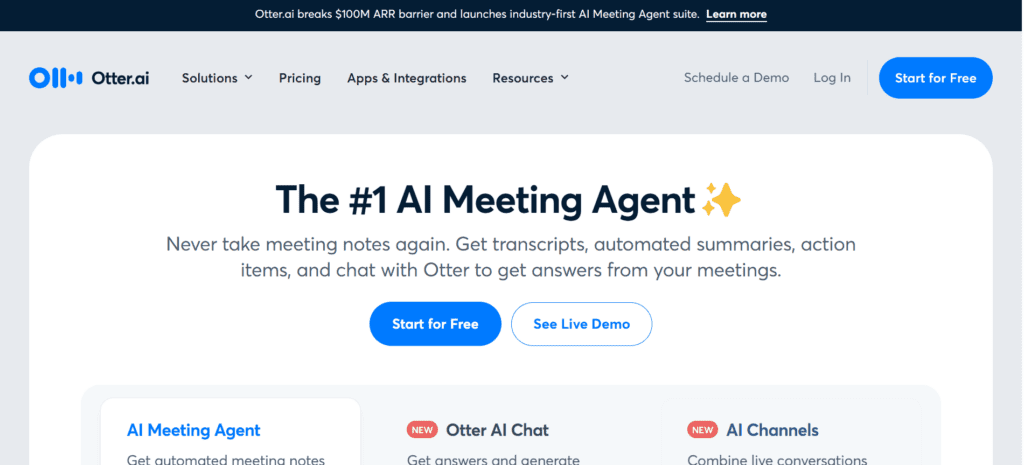
Otter.ai provides robust speech-to-text transcription, fundamentally changing how teams capture and distribute meeting intelligence.
- Core Strengths: Real-time meeting transcription, automated summary generation, and direct integration with Zoom and Google Meet.
- Practical Application: Project managers deploy Otter.ai during remote syncs to capture verbatim notes and automatically extract action items, ensuring absolute alignment without the distraction of manual note-taking.
2. Reclaim AI
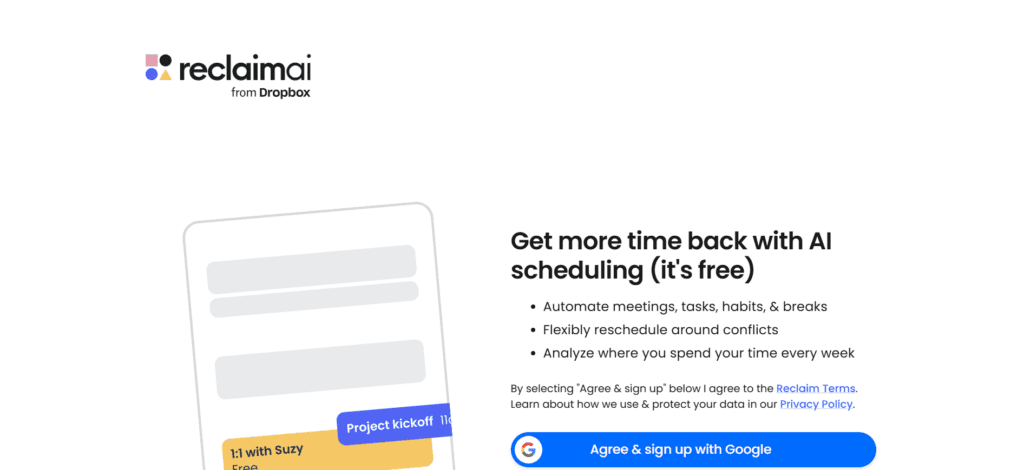
Reclaim AI functions as an intelligent calendar layer, dynamically blocking time for tasks, habits, and focused work sessions.
- Core Strengths: Dynamic time blocking, automated habit scheduling, and burnout prevention through forced buffer times.
- Practical Application: Busy executives use Reclaim to protect deep-work blocks. If an urgent meeting overrides a blocked session, Reclaim automatically reschedules the work block to the next available slot.
3. Speechify
Speechify converts text into high-quality synthetic speech, serving as a vital tool for auditory learners and heavy multitaskers.
- Core Strengths: Natural-sounding text-to-speech conversion across documents, web pages, and emails, featuring variable playback speeds.
- Practical Application: Content strategists and researchers utilize Speechify to consume industry reports and whitepapers during commutes, reclaiming passive time for active learning.
Strategic Implementation: Making AI Work for You
Adopting AI tools requires a deliberate strategy. Random implementation rarely yields sustained productivity gains.
- Isolate Bottlenecks First: Identify specific operational frictions—such as meeting transcription or social media drafting—before adopting a tool. Solve discrete problems rather than adopting AI for its own sake.
- Clean Your Data: AI outputs depend heavily on context. Ensure existing databases, CRM records, and brand guidelines are accurate and centralized before feeding them into AI systems.
- Maintain the Human Loop: Free AI tools provide formidable starting points, but they remain prone to hallucinations and generic phrasing. Treat AI output as a draft. Human editorial oversight remains mandatory to ensure factual accuracy and brand alignment.
For organizations looking beyond entry-level tools to evaluate frontier reasoning capabilities, explore our architectural breakdown of the OpenAI model family (GPT-4o, o1, and o3-mini) and our comprehensive benchmark analysis of the smartest AI models right now.